
This blog is about programming and other technological things. Written by someone developing software for fun and professionally for longer than I want to admit and in more programming languages that I can remember
Recently, tired of the huge accidental complexity of Gnome and KDE, I decided to switch back to Window Maker (again). Being a big terminal user, when I was setting up the terminal, I noticed that emojis were not being displayed correctly by Starship prompt.
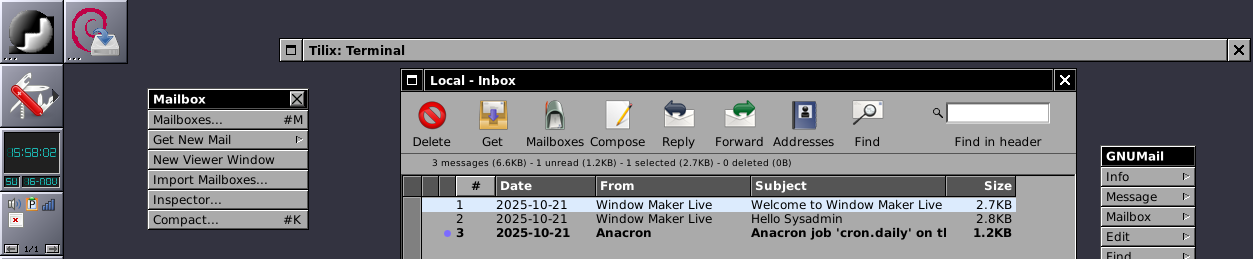
I wanted to study Window Maker source code and change a few things. To do that, I need to compile it from source and change ligthdm to use my custom compiled version.
Unfortunately, there is not much documentation about compiling Window Maker from source, so I am adding it here so others (and myself in the future) can reuse this.
This is a simple step-by-step guide to install nerd fonts in Ubuntu
Download the font you want from Nerd Fonts website https://www.nerdfonts.com/font-downloads
So, you created your awesome server-side application and you are ready to start using. However, you want it to start automatically with your server and restart if it crashes. Also, you're happy to have a system that uses System D
So, how do we do that?
(Spoiler alert: It's super easy)
This blog is about programming and other technological things. Written by someone developing software for fun and professionally for longer than I want to admit and in more programming languages that I can remember